Information Technology Services
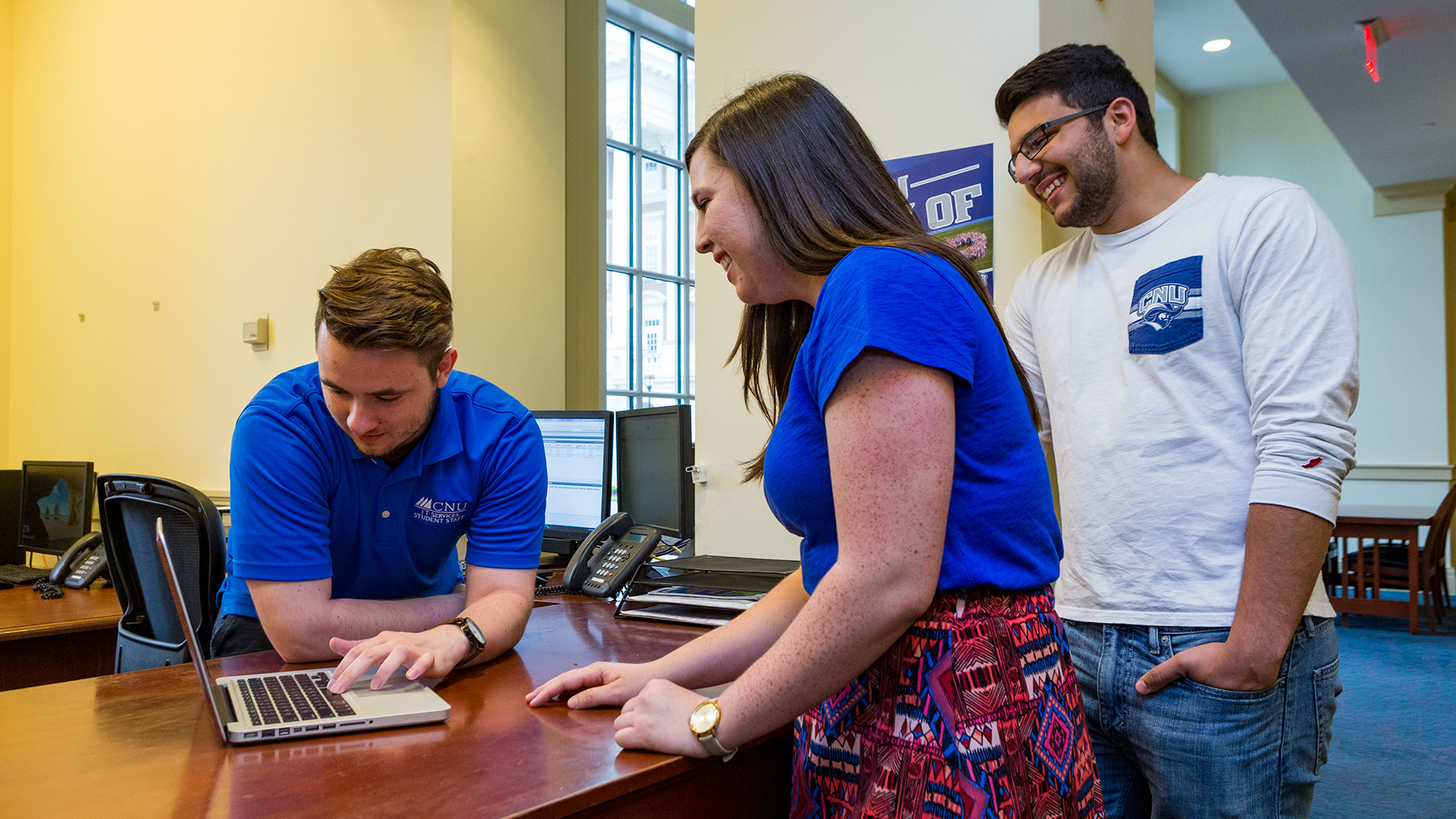
We offer a wide range of services for students, faculty and staff, including recommendations for computer purchases; support for enterprise applications; or assisting with desktops, laptops, printers, mobile devices or other related technologies.
Our ITS Campus Knowledge Base is the repository of IT Services documentation designed to help you look up the answer to a wide variety of questions about the technology services available on campus.
Announcements
Fall 2026 ChangeLog
Page edited by David Edgar
Colleagues,
I hope everyone is having a great Getting Started Week. While campus has been preparing for the academic year, the ITS team has been busy completing a number of technology, security, and infrastructure updates.
Before sharing a few summer highlights, I want to emphasize an important upcoming change that will affect how we use Microsoft Entra, our primary authentication platform.
Changes to Multi-Factor Authentication (MFA)
Microsoft is deprecating the use of SMS/text messaging and phone calls as part of Multi-Factor Authentication (MFA). This change aligns with cybersecurity best practices and helps reduce the risk of account compromise.
At the end of this month, users who rely on SMS- or telephone-based authentication will be prompted to add an alternative authentication method. At the end of September, the prompt will become a requirement.
Preferred authentication methods include:
Microsoft Authenticator
Passkeys or security keys
Other approved app-based verification methods
To support this transition, physical security keys (YubiKeys) are now available for purchase at The Captain’s Locker and other retail outlets. We also have detailed MFA instructions available in our Knowledge Base.
Summer Technology Highlights
Audio-Visual
The AV upgrade for the first floor of McMurran Hall is now online and includes new AV control technology and state-of-the-art, high-brightness projectors. The classrooms in the Science and Engineering Research Center (SERC) are also fully ready for the semester.
Network
Personal devices can now receive multi-year certificates for eduroam, eliminating the annual requirement to download new certificates.
The network upgrade of our administrative and auxiliary buildings was also completed this summer. With this upgrade, nearly all campus network infrastructure has been replaced during the past four years.
Technical Support and Client Services
Our Windows devices are now enrolled in Microsoft Intune, Microsoft’s modern platform for managing and securing PCs. This transition enables faster deployment of software, security updates, and device configuration changes across campus.
Later this semester, we’ll share updates on the ERP Modernization project and introduce additional Microsoft and campus technology services coming online.
As always, if you need assistance, we’re here to help.
Have a great semester,
Justin Davenport
Chief Information Officer and Associate Vice President
Annual Cybersecurity Training Launches September 1
Our required Information Security Awareness Training for all employees will launch on September 1. Employees will receive an email from CampusGuard at noreply@em.training.campusguard.com.
You will also be able to access CampusGuard using the Security Training link at my.cnu.edu.
Data Continuity in Google Drive’s “My Drive”
Google Drive is a great service, but it has one significant challenge. If you share a folder in “My Drive” and allow others to create files within it, those individuals remain the owners of the files they create. Even though those files appear in your My Drive, you are not the owner, and the files do not belong to your account.
You can verify ownership using the Owner column in Google Drive.
Why does this matter?
If a CNU account is terminated or deleted, any files owned by that user will also be deleted—even if they are located in your My Drive. Additionally, if a user decides to purge files they own, those documents will disappear from your My Drive immediately.
Google Drive documentation is available to help mitigate this risk. We strongly encourage the use of Google Shared Drives, which avoid these ownership pitfalls.
As always, if you have any questions, please let us know.
Retiring Google Photos on December 1, 2026
As part of an effort to reduce our Google storage, we will deactivate Google Photos within Christopher Newport’s Google services on December 1, 2026.
We have guidance for transferring photos available in our Knowledge Base. If you need assistance, please contact the Help Desk.
Reminder: ITS Service Catalog
Our ITS Service Catalog—a public “menu” of services provided by ITS—is now online.
The Service Catalog will be a living document, with additional service details added in the near future.
IT Services Offline Saturday, June 27th
Page edited by David Edgar
Colleagues,
All campus information technology services will be offline on Saturday, June 27th, while Bev Vaughan Hall is powered down for electrical maintenance. The outage will begin at 5 am, with services expected to be restored by 3 pm.
If you have any questions or concerns, please let me know.
Justin Davenport
IT Services Offline Saturday, May 30th (Cancelled)
Page edited by David Edgar
Colleagues,
All campus information technology services will be offline this Saturday, May 30th, while Bev Vaughan Hall is powered down for electrical maintenance. The outage will begin at 5 a.m., with services expected to be restored by 3 p.m.
If you have any questions or concerns, please let me know.
Justin Davenport
Wireless Network
Christopher Newport is now part of the eduroam WiFi network. eduroam (education roaming) is a secure, worldwide roaming access service developed for the international research and education community, available at thousands of institutions worldwide. Christopher Newport provides eduroam network access across the entire campus.
Click below for instructions on connecting to eduroam.
If you plan to travel and would like to know if the eduroam network is available where you are going, please click below.
Once you have successfully connected to eduroam on campus, your device will automatically connect to the eduroam network off campus at participating institutions.
Visitors from institutions participating in eduroam should use the credentials provided by their home university or research institution. Please be aware, if you experience issues authenticating to the eduroam network, you must refer to your home institution's support desk for assistance.
Visitors to Christopher Newport have access to free guest wireless access while on campus. Access to our guest wireless network is available in most buildings and outside on the Great Lawn. Click the link below for directions on how to connect to WiFi-CNU-Guest.
Resources
ITS Campus Knowledge Base
ITS related How To articles and information.
IT Services Helpdesk (Helpspot)
Submit an IT help ticket.
help.cnu.edu
Request assistance — from password resets to maintenance tickets and more!